Track the order and your budget in MarketPro, upload the vendor's order to InventoryIQ to build your products, and use Studio to put each piece on your own model. Work down this list for each order, and open the linked article for any step you want more on.
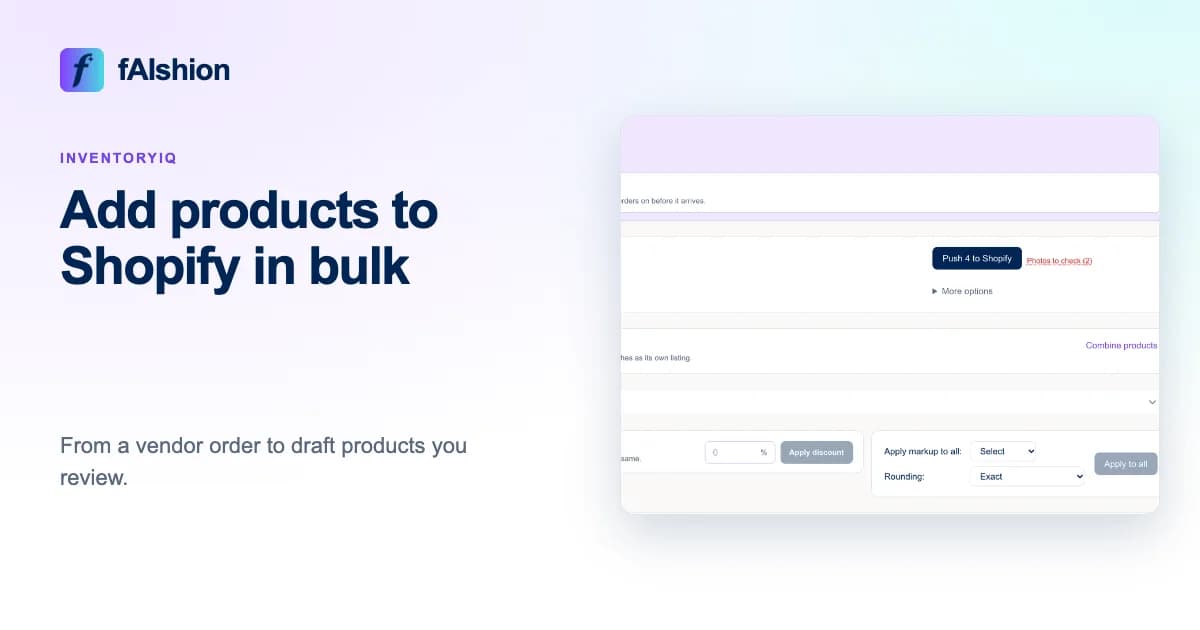
Upload the vendor's order to InventoryIQ just as it came, a PDF, a CSV file or photos of the line sheet, and it builds your Shopify products for you. You check them on one review screen, then push them to Shopify as drafts that only you can see.
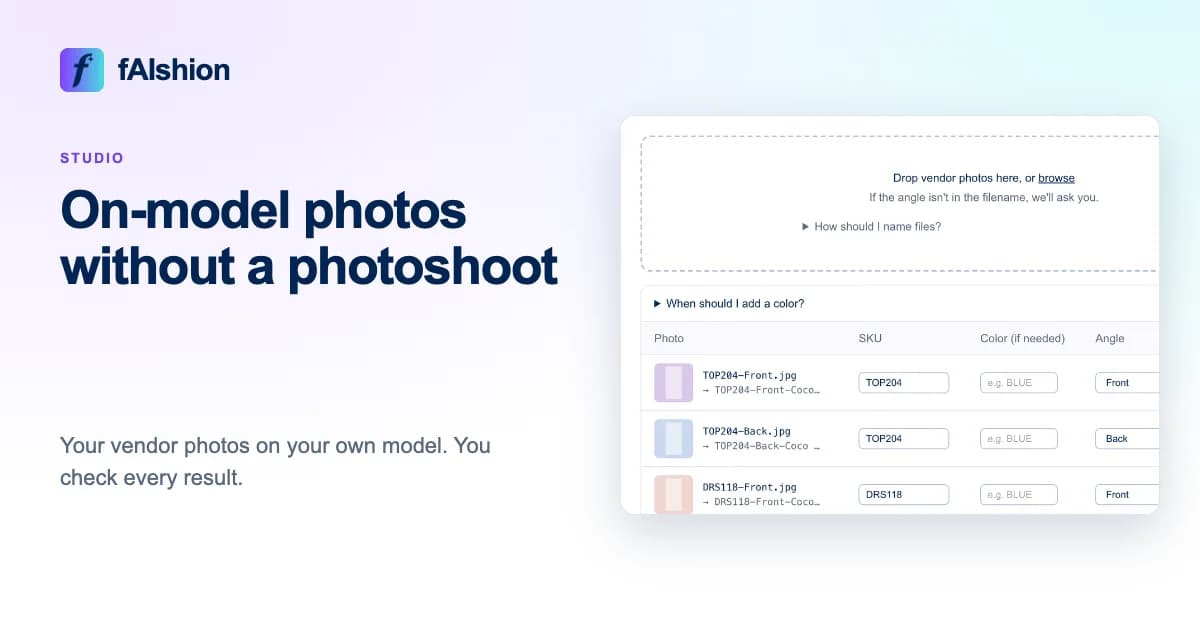
Upload a photo of your own model once for each angle, then drop the vendor's photos into Studio, and it puts each garment on your model. You check every result and send the ones you like to the matching product in your store.
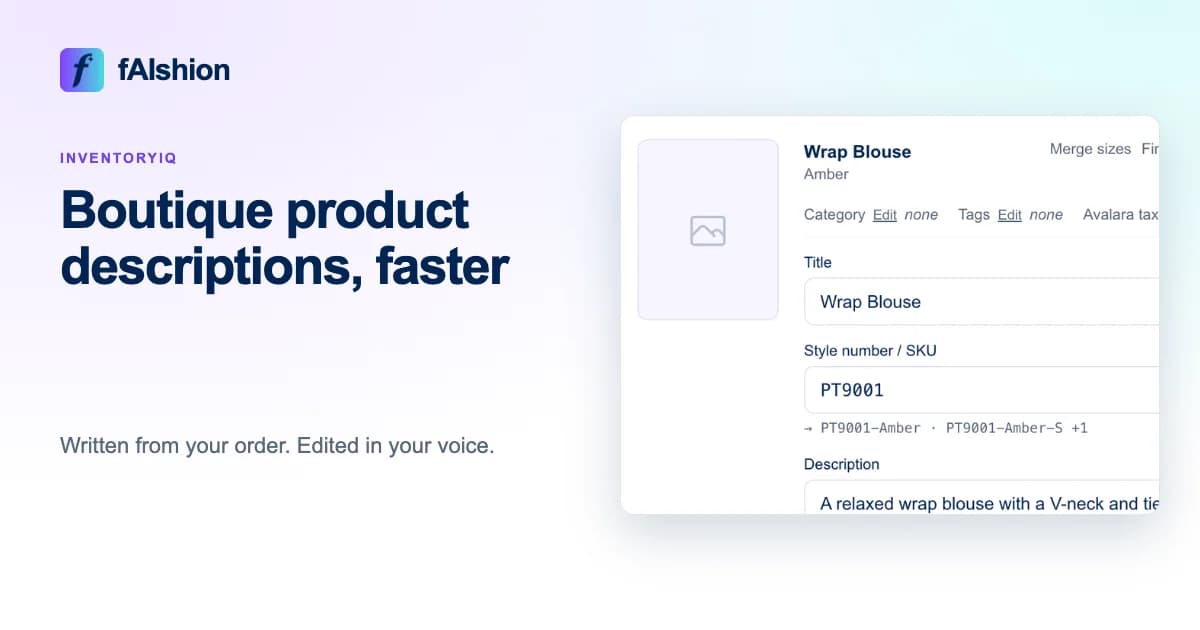
Upload the vendor's order to InventoryIQ, and it writes a title and description for every product from the facts on the order, in the voice you set. You read them on the review screen, change any you want, and push.
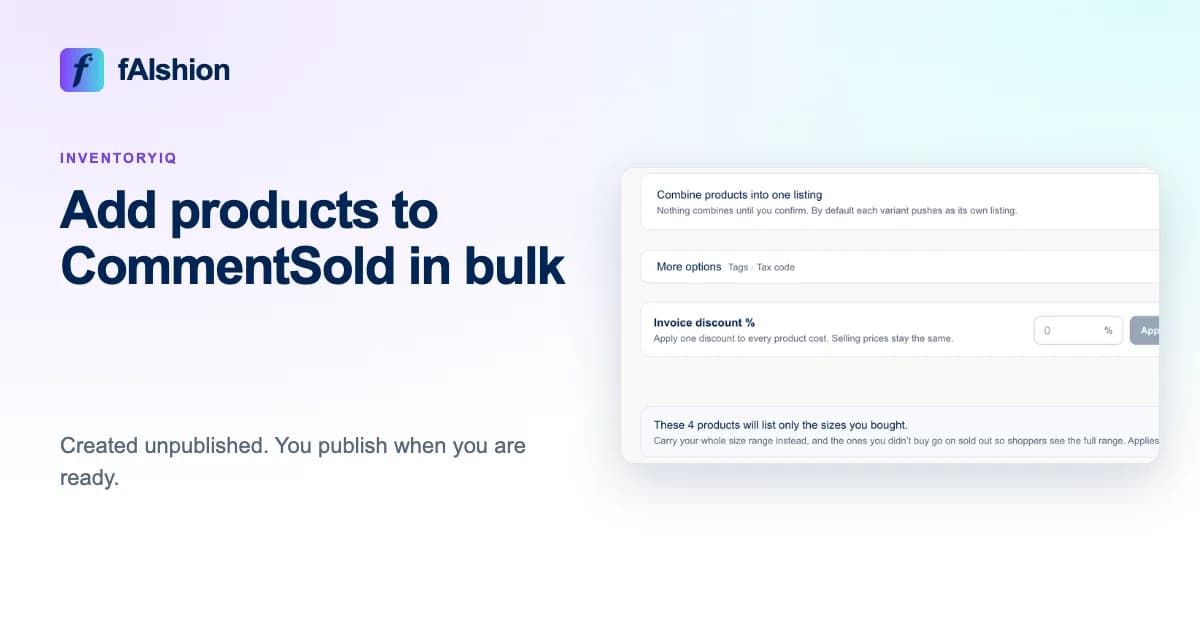
Upload the vendor's order to InventoryIQ just as it came, a PDF, a CSV file or photos of the line sheet, and it builds your CommentSold products for you. You check them on one review screen and push them, and they arrive unpublished until you publish them to your web, app or other channels.
In InventoryIQ, choose one markup and one price ending under Apply markup to all, and every product on the vendor's order is priced from its wholesale cost. A $22 cost at 2.5x is $55.00, which becomes $55.99 with a .99 ending.
Upload the vendor's order to InventoryIQ while the boxes are still on the way, and it builds your listings and sends them to your store hidden from customers. When the goods arrive, fix any sizes that came in short and go live with what came in.
When Studio finishes your photos, put each one next to the vendor's photo and check the color, neckline, sleeves, closures, print and length. Remove any that change a detail, and send only the ones you approve to the product in your store.