How to Add Products to Shopify in Bulk From a Vendor Order
By fAIshion team · · 3 min read
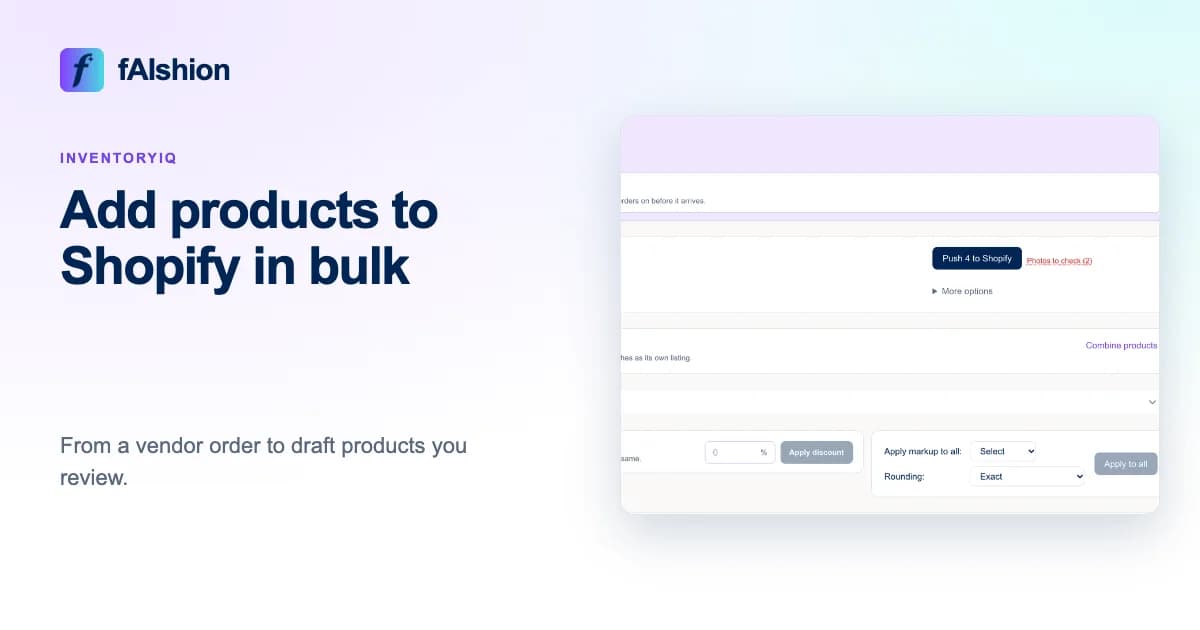
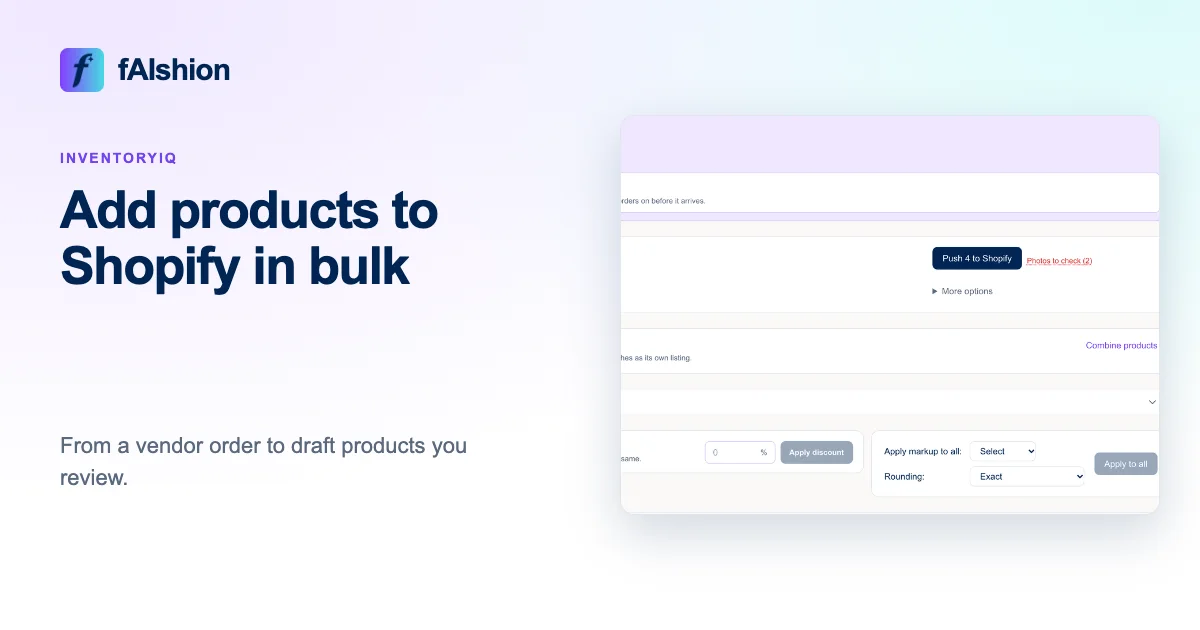
Upload the vendor's order to InventoryIQ just as it came, a PDF, a CSV file or photos of the line sheet, and it builds your Shopify products for you. You check them on one review screen, then push them to Shopify as drafts that only you can see.
 View full-size image
In short
- Upload the vendor's order to InventoryIQ.
- Set one markup for the whole order.
- Check the titles, sizes and photos.
- Click Push to Shopify, then activate the drafts when you're ready.
What InventoryIQ builds from the order
It reads the styles, colors, sizes, quantities and costs off the order, and makes each style and color a product, with a variant for each size. To sell colors as one product, use Combine products. It writes a title and description from the facts on the order and your brand voice settings, and finds photos on the vendor's site or uses the ones you upload. You can edit any of it before it goes anywhere.
Review once, then push
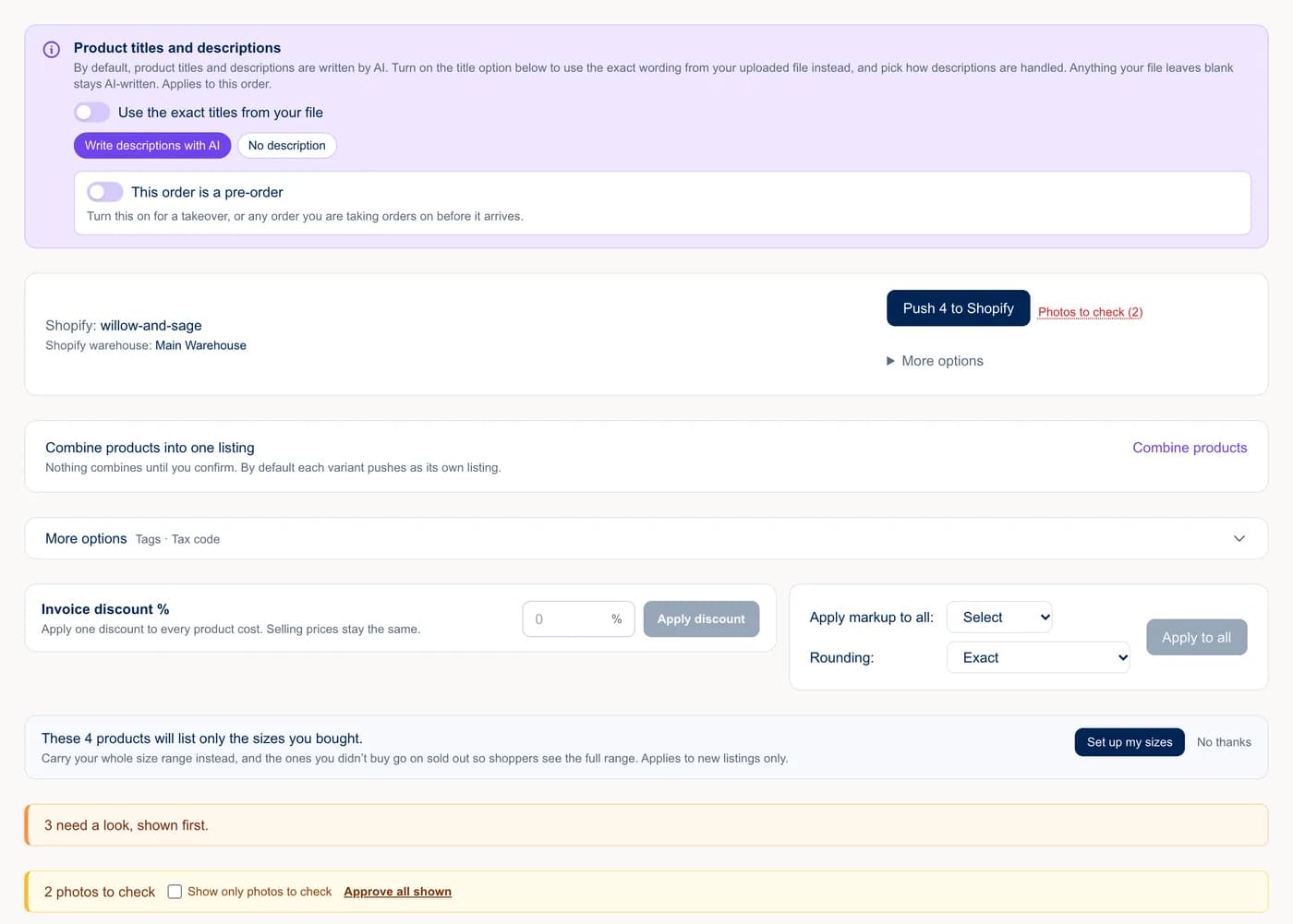
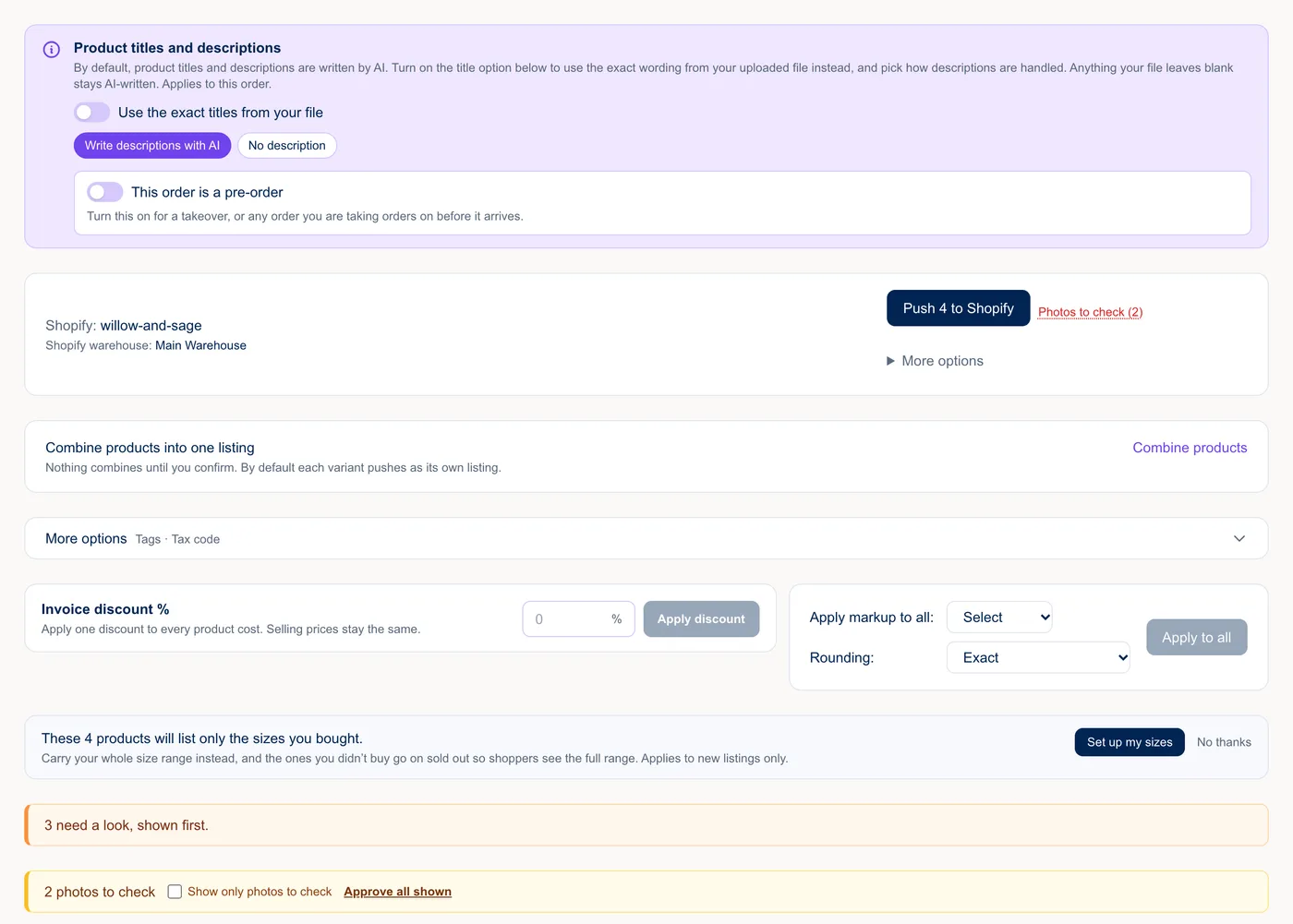
Under Apply markup to all, choose 2x, 2.5x, 3x or your own number, and a price ending such as .99. A $22 cardigan at 2.5x is $55.00, which becomes $55.99. Your cost stays separate from your price.
If a photo was a best guess, it shows under Photos to check. Click Looks right or swap it. These need an answer before you can push.
Click Push to Shopify. Your products arrive as drafts, with their sizes, cost, price, SKU and the quantities from the order. Shoppers can't see a draft, so activate each one in Shopify when you're happy with it. If a style is already in your store, InventoryIQ asks whether to add the new stock to it, push it as a new product, or skip it.
Doing it by hand?
Shopify can import products from a spreadsheet in its own CSV format. Type one row per size from the vendor's order, set each product to draft, import, and check a few before you activate them.
Common mistakes
- Treating the ordered quantity as stock on hand. Fix any size that arrives short before you activate.
- Using a photo of a different color.
- Activating before you've checked the prices on the first few products.
If your store is on Shopify, install InventoryIQ from the Shopify App Store. You pay through your Shopify bill, so there is nothing to set up with us. If you sell somewhere else, see InventoryIQ pricing.
On CommentSold? Read how to add products to CommentSold in bulk. For the whole routine, see the new arrivals checklist.