How to Write Boutique Product Descriptions Faster
By fAIshion team · · 2 min read
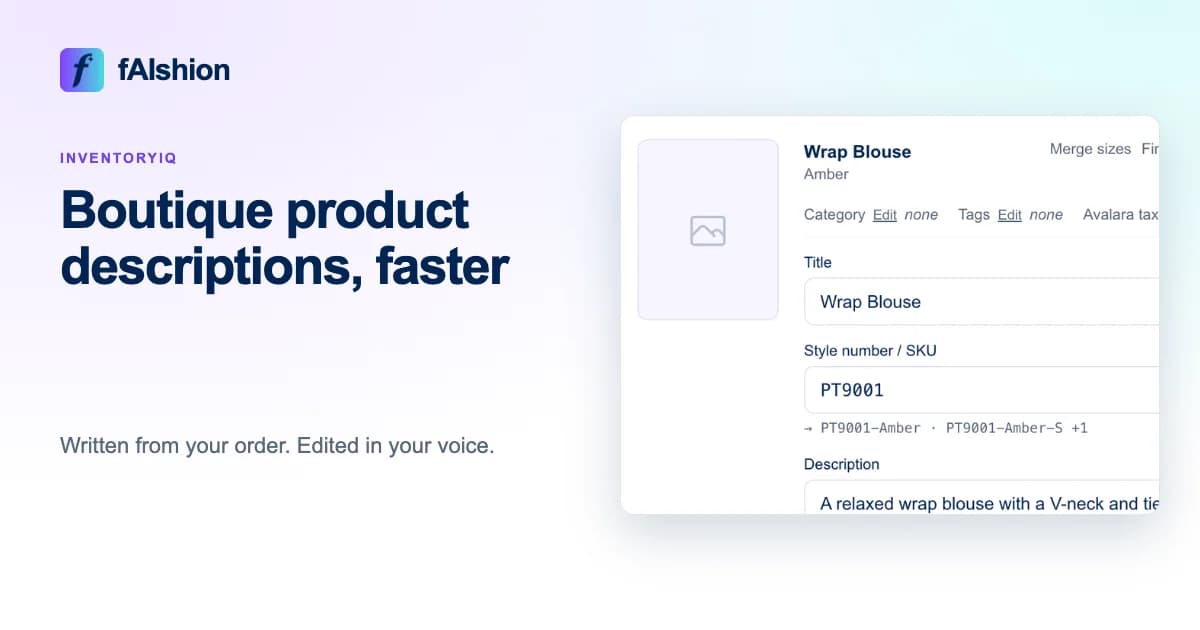
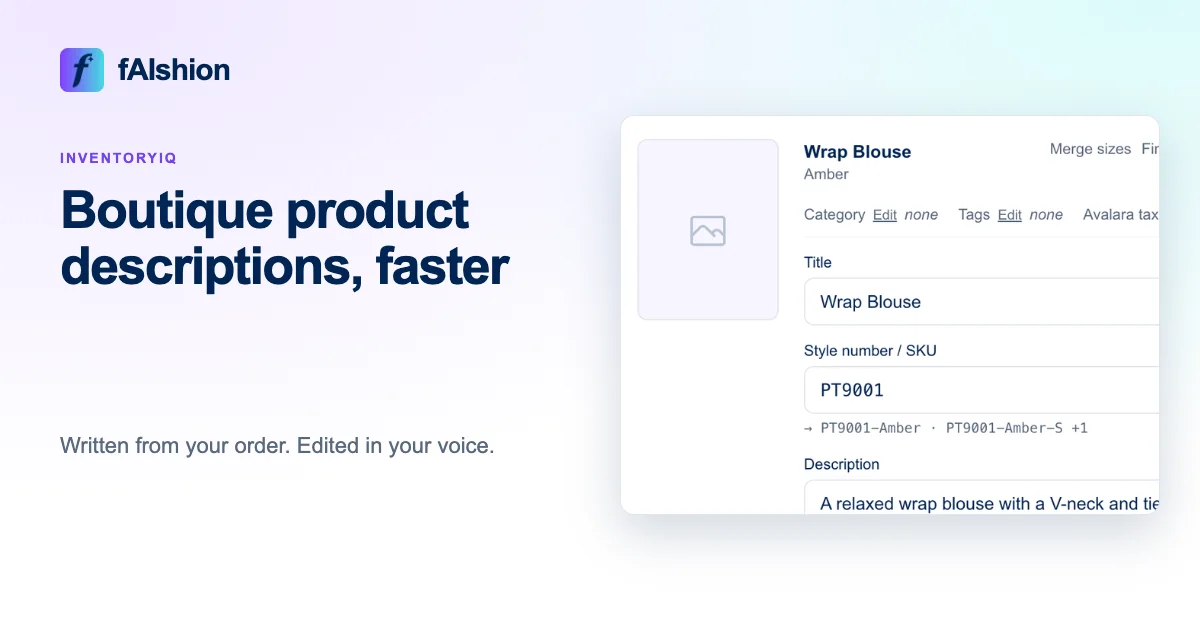
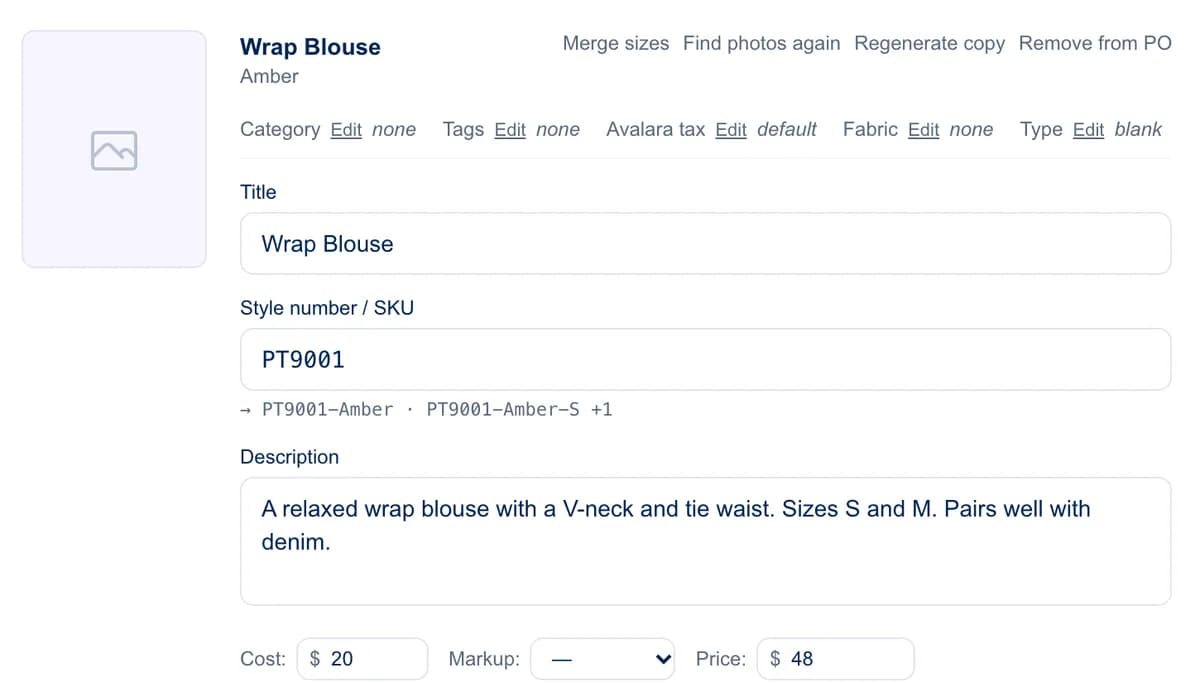
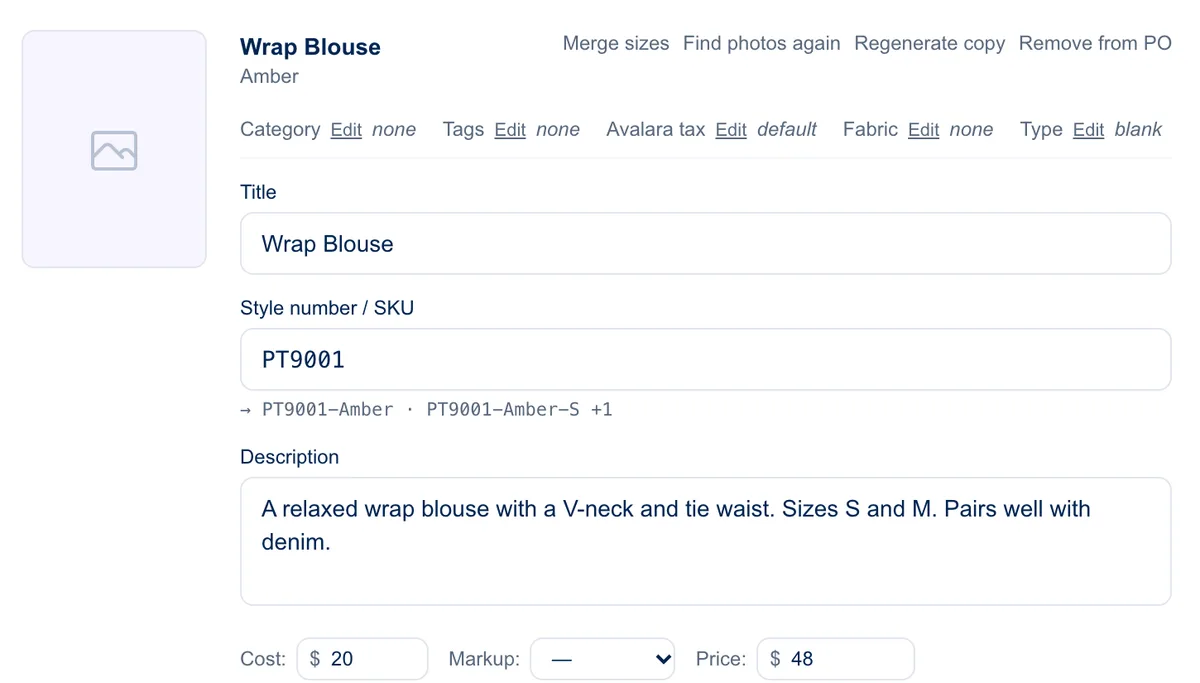
Upload the vendor's order to InventoryIQ, and it writes a title and description for every product from the facts on the order, in the voice you set. You read them on the review screen, change any you want, and push.
 View full-size image
In short
- Set your shop's voice once in Settings > Brand voice.
- Upload the vendor's order.
- Read the descriptions and edit any that need it.
- Push the products to your store.
Set your voice once
In Settings, choose your tone, list the words you never want to see, and paste in a few samples of your own writing. Every description InventoryIQ writes follows them.
It writes from the facts
Each description comes from what the order says: the style name, color, category, the vendor's description, fabric and sizes. It writes from the facts it has, so read for anything it shouldn't have added. A short, true description is better than a long, made-up one.
Edit, then check
Change any title or description on the review screen, or click Regenerate copy on one product to write it again. If your file already has titles you like, choose Use the exact titles from your file. Read the first few closely, then skim the rest.
Doing it by hand?
Collect the facts first: fabric, sizes, color name and length. Then use one pattern for every product: an opening line, a line on fit or occasion, then fabric and sizes. "A relaxed cotton tee with a boat neckline and a slightly cropped hem. Sizes S to XL." Everything in it can be checked against the garment.
Common mistakes
- Inventing details. If the vendor didn't say it's lined, don't say so.
- Copying the vendor's text word for word, when other shops sell the same line.
- Leaving out sizes, a common reason for questions and returns.
If your store is on Shopify, install InventoryIQ from the Shopify App Store. You pay through your Shopify bill, so there is nothing to set up with us. If you sell somewhere else, see InventoryIQ pricing.
To see where descriptions fit, read the new arrivals checklist and how to add products to Shopify in bulk.